
Retail & malls
AvailableShop independently
Tags on sections, shelves and products read out what shoppers need to find, compare and choose on their own.
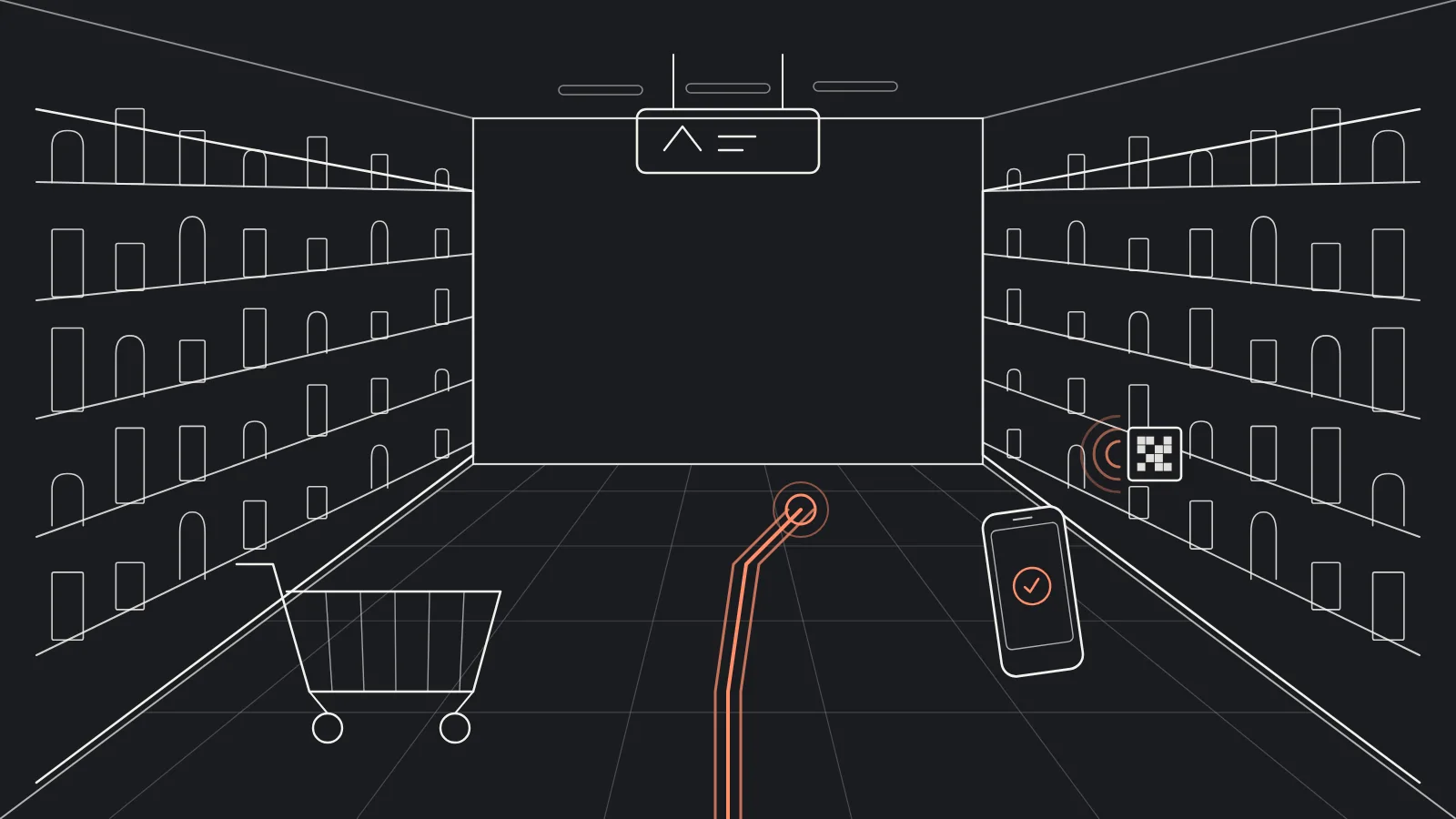
From the entrance to the shelf
-
Start with sections
Then add shelves and products step by step.
-
Catalogue from Excel
For adding products in bulk.
-
Shopping malls
Tags at shops, facilities and exits.
Four levels of information
| Level | Where the tag goes | What shoppers hear |
|---|---|---|
| Entrance | At the door | Store sections and their order |
| Section | Aisle sign | Which categories are in the aisle |
| Shelf | Shelf edge | Product names and prices |
| Product | The pack | The full product details |
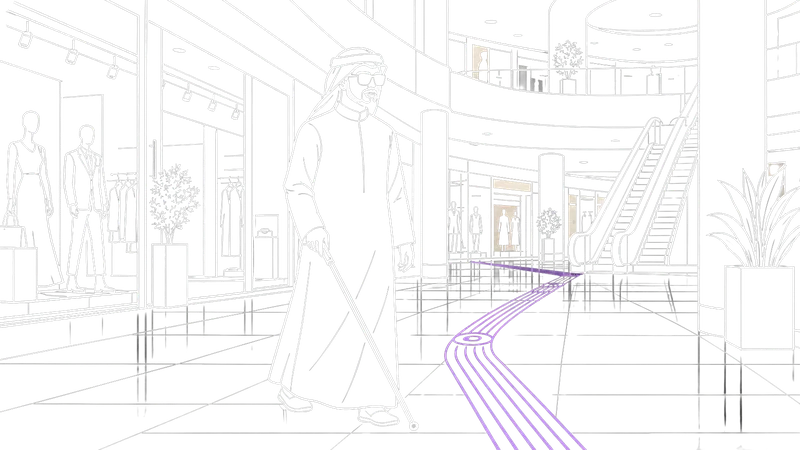
In malls
Pilot featureFrom one shop to the next
In equipped and mapped malls, visitors can follow an audio route between shops. This feature is a pilot.
Frequently asked questions
Do we need a tag for every product?
Not at first. You can start with sections and shelves, then add products.
How do prices stay correct?
Update them in the dashboard or by re-importing the Excel file.
Does it suit large malls?
Yes, with tags at shops and facilities, and pilot indoor navigation in equipped sites.

Let's make your place speak
Tell us about your facility or product and we will suggest how to equip it.