
The Noor Path app
AvailableOn your phone, in your language
The app is available for iPhone and Android devices and works with the screen reader.
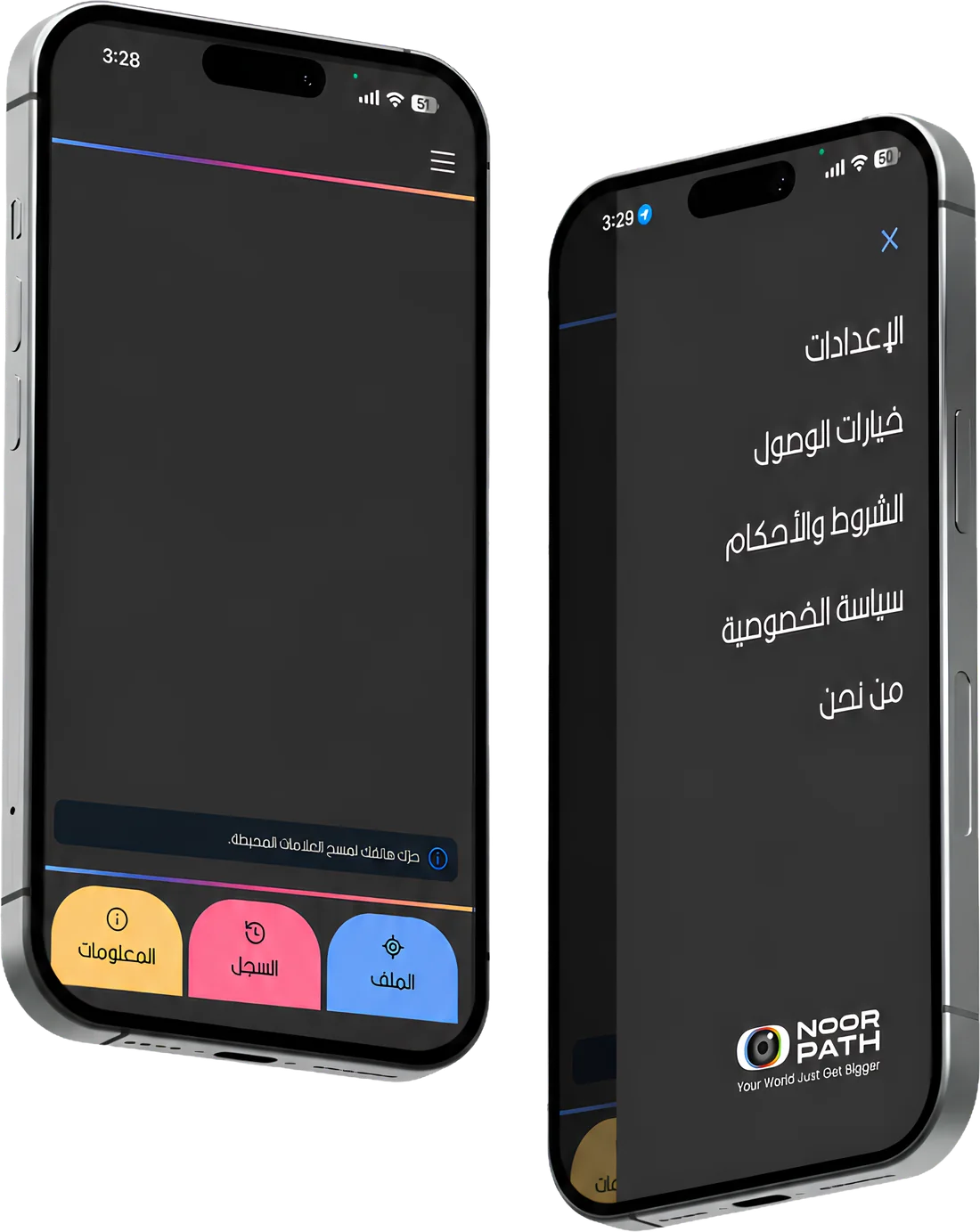
Availability
| Store | Version | Minimum system |
|---|---|---|
| App Store | 1.2.2 | iOS 15 |
| Google Play | 1.2.1 | Android 7.0 |
In the app
-
Scanning tags
Point the camera and listen.
Available -
History
Everything you scanned in one place.
Available -
Home Kit tags
Name and describe your own tags.
Available -
Indoor navigation
In equipped sites.
Pilot feature
Start in three steps
Download the app
From the App Store or Google Play.
Allow the camera
The app needs it to scan tags.
Scan your first tag
Point the phone at the tag and listen.
App questions
Is the app free?
Yes, it is a free download from the App Store and Google Play.
Who is the app for?
Blind and visually impaired people first, and anyone who benefits from hearing information about places, products and menus.
How will the app help me?
- Point the camera at a tag and listen to the information about the place, product or menu.
- Everything you scanned in one place (History).
- Name and describe your own Home Kit tags.
- In equipped sites, it guides you to your destination by voice (a pilot feature).
Can the app be used in all public places?
The app works wherever Noor Path tags are placed. Indoor navigation is in a pilot and only works in sites that have been equipped and mapped beforehand.
How do I use the Smart Tags?
Open the app and point the phone camera at the tag; the app reads its information aloud.
Does it work with VoiceOver and TalkBack?
Yes, the app is designed to work with the phone’s screen reader.
Does the app work offline?
The app’s App Store description mentions working offline in many cases.