
Restaurants & cafés
AvailableA menu every guest can read
Link your menu to Noor Path tags so blind and visually impaired guests hear dishes, prices and ingredients on their own phones, without waiting for someone to read to them.
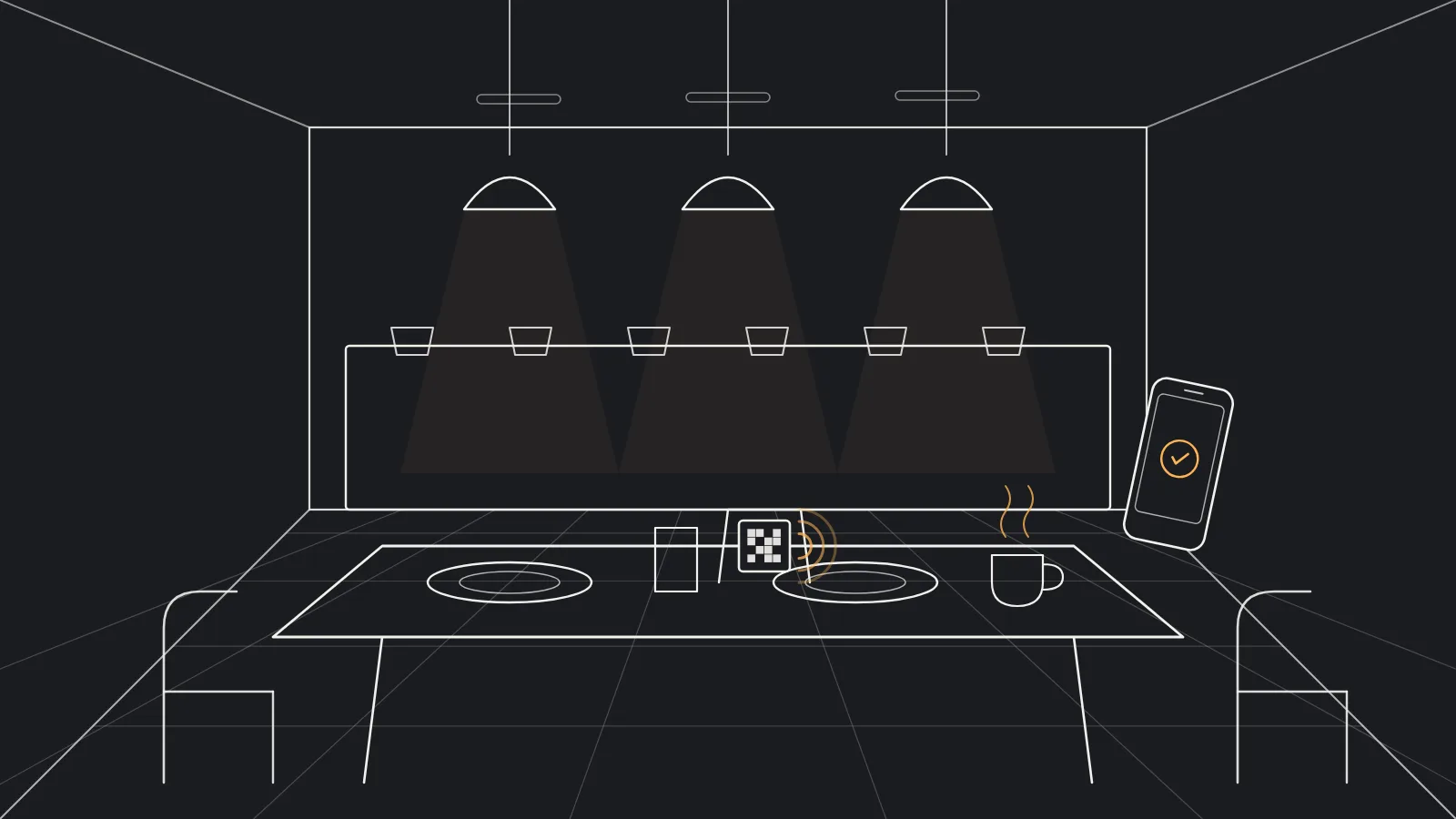
From menu to guest in four steps
Build the menu
Enter sections, dishes and prices in the restaurant dashboard, in Arabic and English.
Place the tags
A tag on each table, at the entrance and at the takeaway counter.
Guests scan and listen
Guests open the Noor Path app, point the phone at the tag and hear the menu.
Update any time
A changed dish or price shows at once; the tag itself stays the same.
What the audible menu carries
-
Organised sections
Starters, mains and drinks, just as on your menu.
-
Ingredients and allergens
Information that helps guests choose safely.
-
No reprinting
Changes in the dashboard need no new tags.
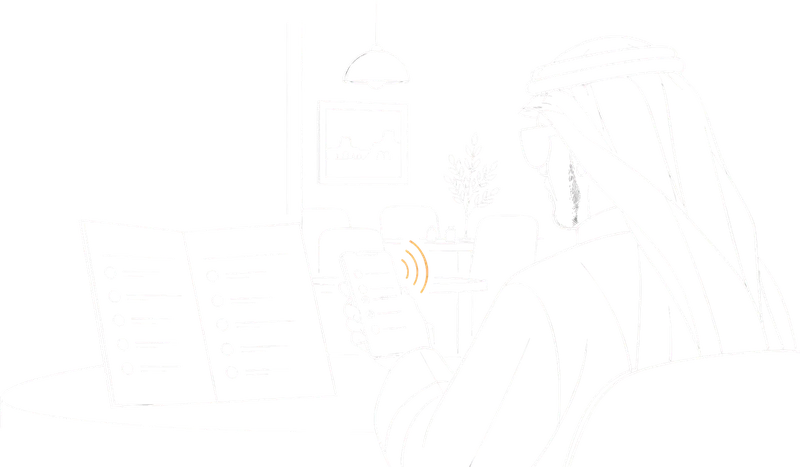
At the table
Guests choose for themselves
Guests point their phone at the tag on the table, hear the menu sections, move between them and go back to what they want, at their own pace.
Frequently asked questions
Do I need a new tag when the menu changes?
No. The tag is linked to your menu, and every change you make in the restaurant dashboard reaches guests straight away.
Does the guest need special equipment?
No. Their own phone and the free Noor Path app on iPhone or Android are enough.
Where do the tags go?
Where guests need them: on tables, at the entrance and at the ordering point. We suggest positions during the set-up visit.

Let's make your place speak
Tell us about your facility or product and we will suggest how to equip it.